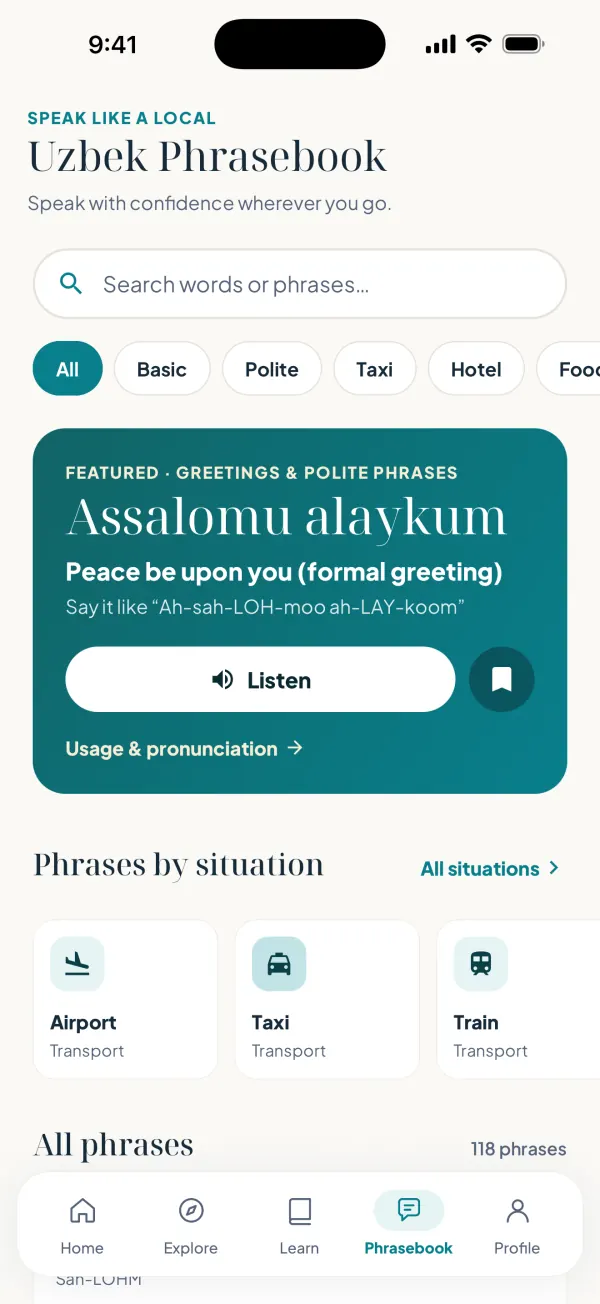
Discover Uzbekistan
Explore cities, landmarks and extraordinary destinations.
Salom Uzbekistan app
Discover more. Learn more. Experience more.
Explore extraordinary destinations, learn Uzbek, discover history and culture, and plan your journey, all in one connected app.
Available now on iPhone · Android coming soon
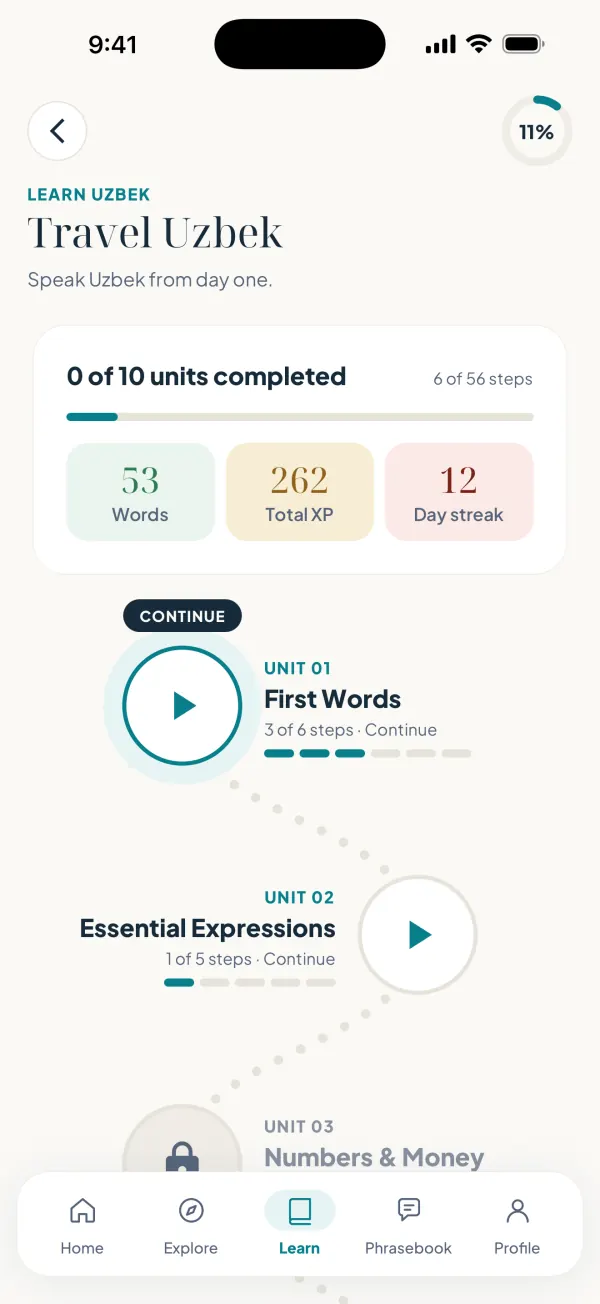
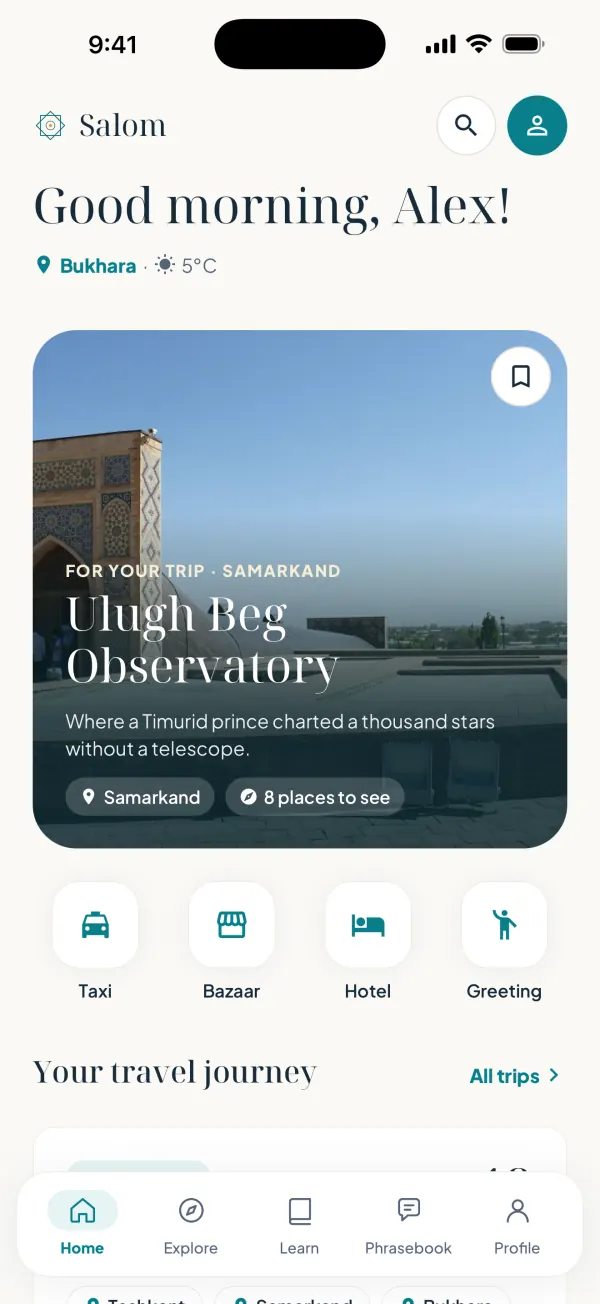
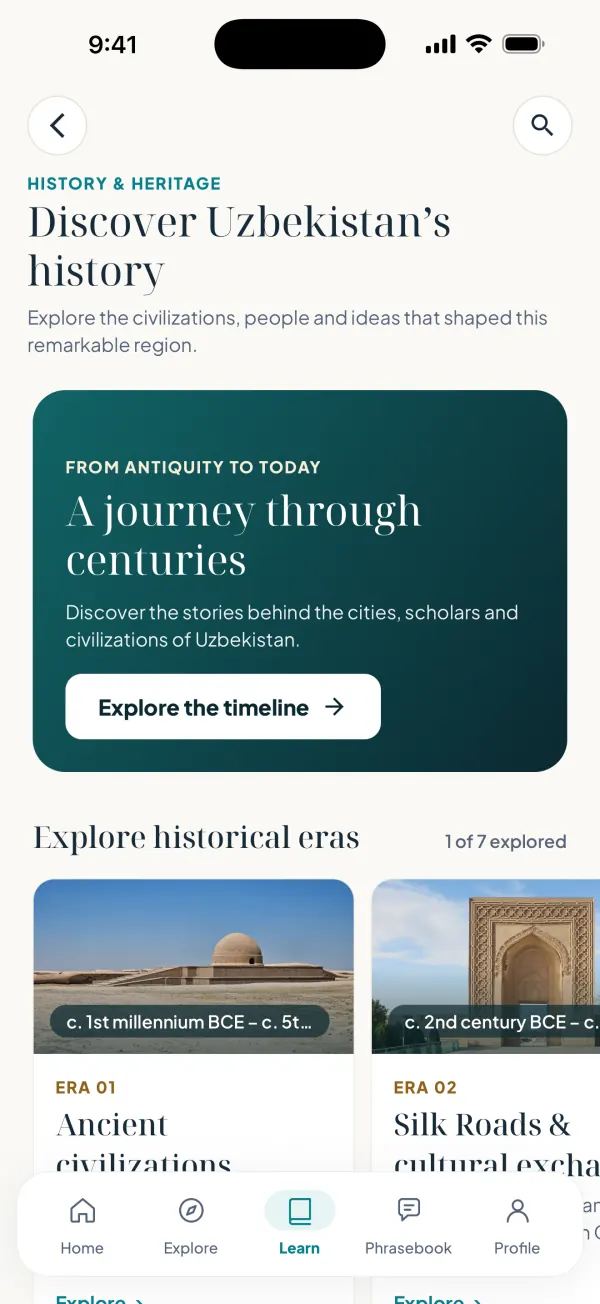
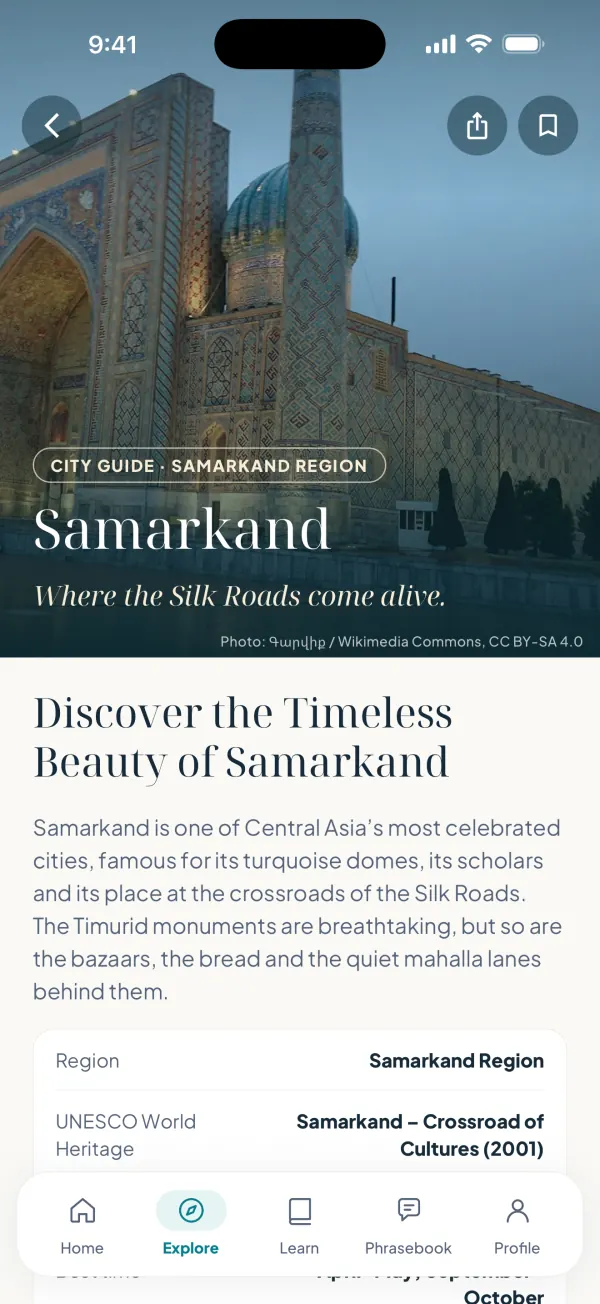
Inside the app
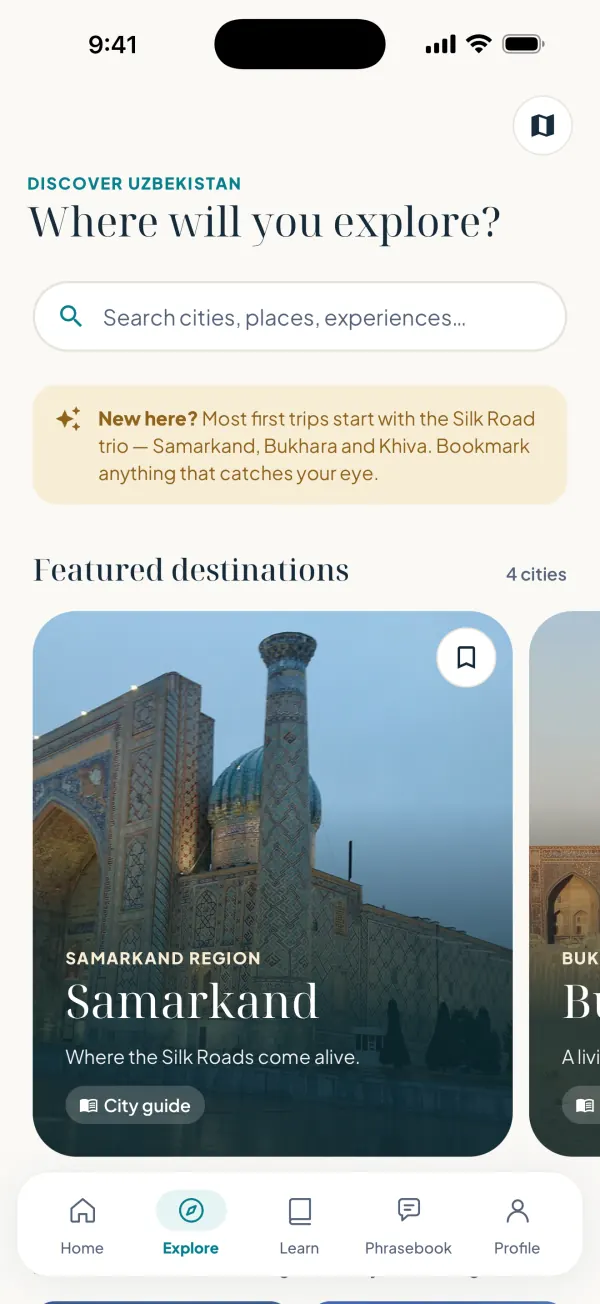
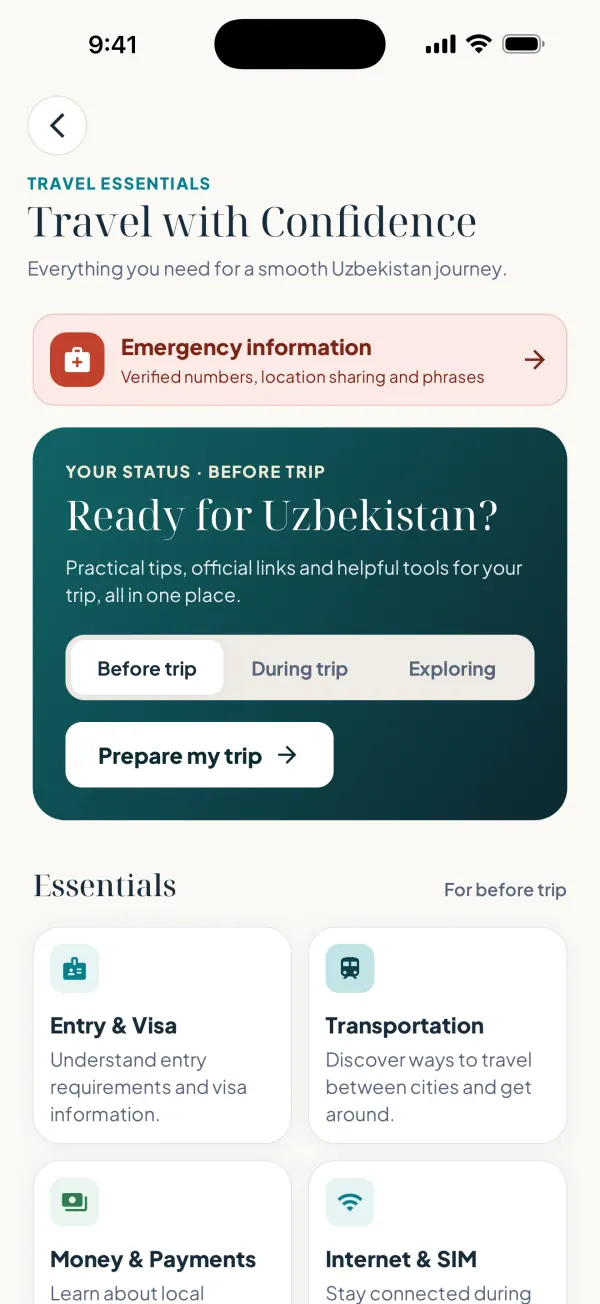
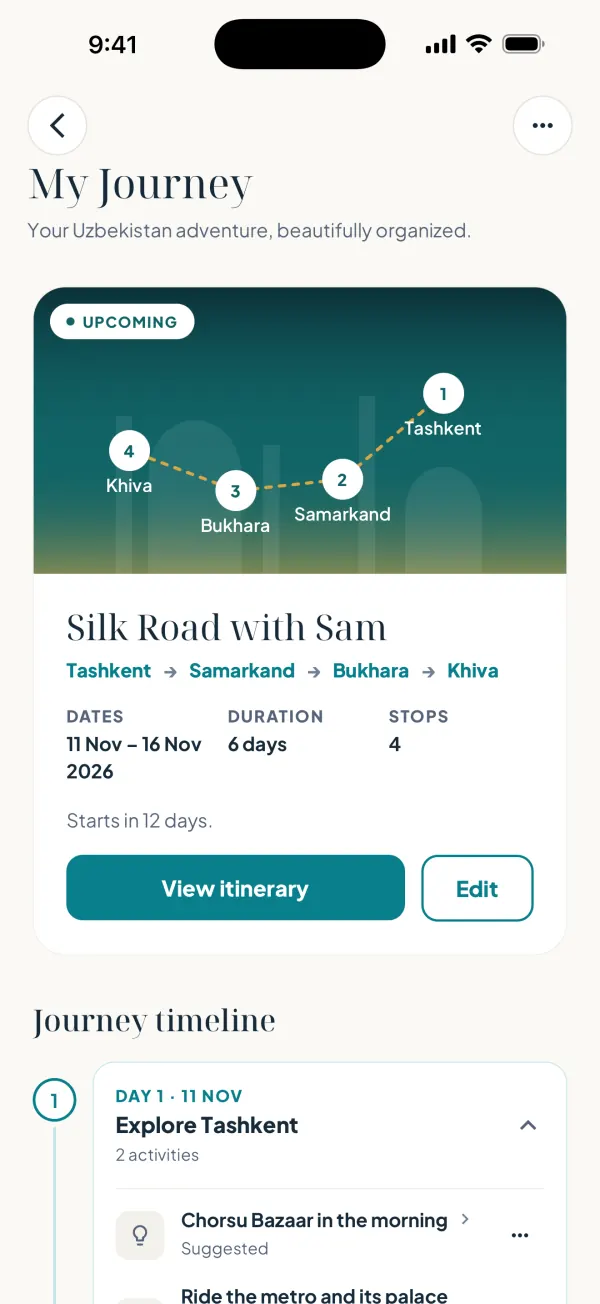
Real screens from the iPhone app. Pick one to see it.
Why download
Explore cities, landmarks and extraordinary destinations.
Practise essential phrases and real conversations.
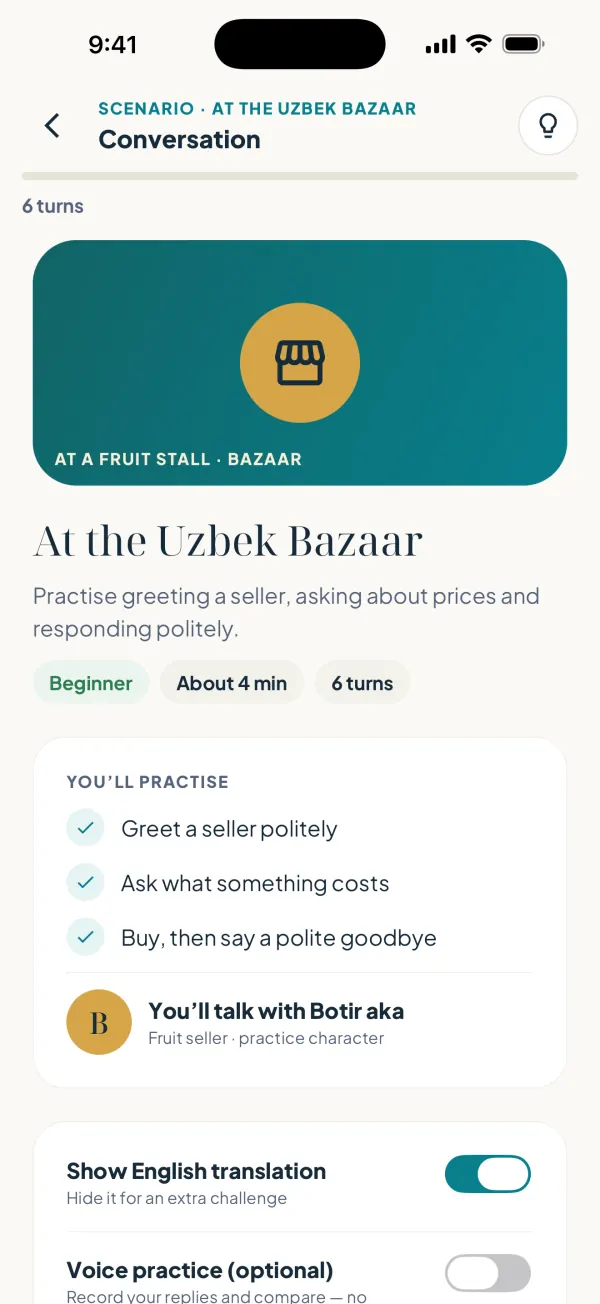
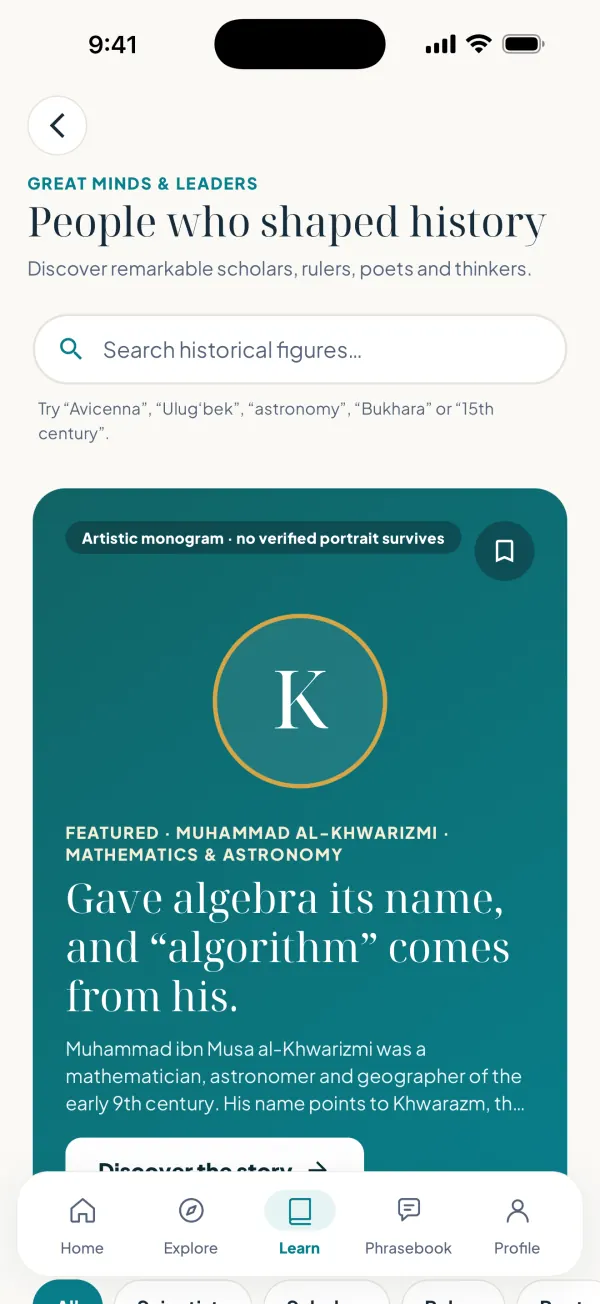
Discover historical stories and remarkable figures.
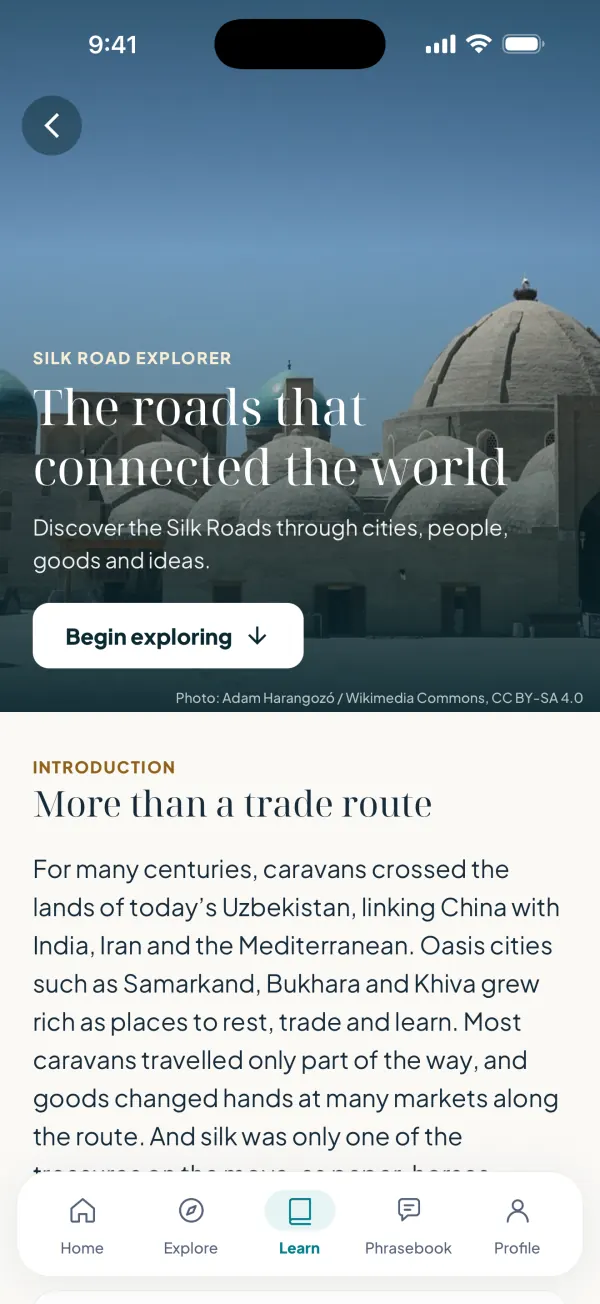
Understand local traditions, food and craftsmanship.
Shape your journey day by day and save places to it.
Practical information checked against official sources.
Personalized
A few questions when you start shape your Home. You can review and change every answer before you begin.
Travel interests
Tell the app what you love: history, food, nature or crafts.
Preferred destinations
Samarkand, Bukhara, Khiva, Tashkent, or the mountains and desert.
Learning goals
Your level and a daily goal: Casual, Regular or Serious.
Travel status
Planning, already in Uzbekistan or exploring from home: the essentials you need come first.
Saved discoveries
Places, eras and stories you save, ready to add to My Journey.
Your answers stay on your phone.
Learn Uzbek
Interactive preview · audio plays in the app
Travel essentials
In the app
Entry & visa
Pick your passport to see if it’s on the official visa-free or e-visa list.
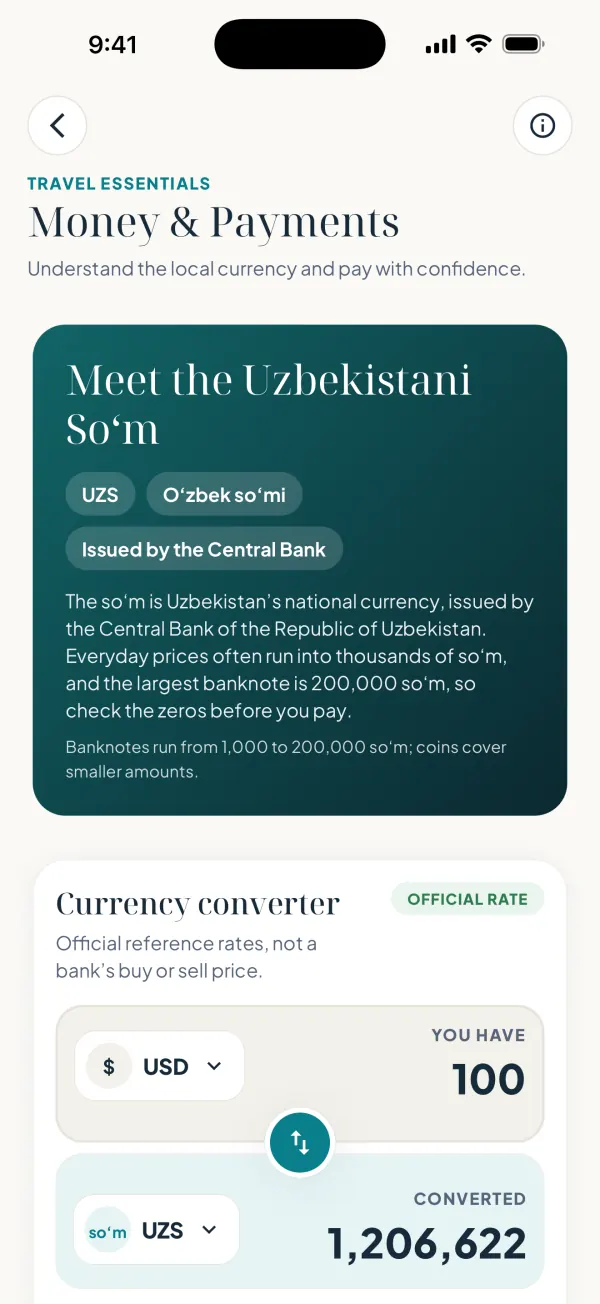
Money
Converter with the Central Bank of Uzbekistan reference rate, kept for offline use.
Safety
Tap-to-call emergency numbers, including 112.
Facts last checked on 28 October 2026. Every essentials page is free.
Offline travel
The essentials keep working when the signal drops, in the mountains or on a desert road.
Photos and audio download as you open them, so open what you need before you set off.
Guides on your phone
Places, phrases, lessons and culture guides are kept after your first launch.
Travel essentials
Every essentials page works offline.
Currency converter
Keeps the last official rate for offline use.
Your trips
My Journey and its timeline are stored on your phone.
Learning progress
Lessons, flashcards and progress stay on the device.
How it works
Download it free from the App Store. No account needed.
Choose your interests, destinations and where you are in your journey.
Explore Uzbekistan through travel guides, language, history and culture.
Availability
Salom Uzbekistan is on the App Store for iPhone. The Android version is coming soon.
Available now

Scan with your iPhone camera.
Coming soon
The Android version is in the works. Write to hello@salomuzbekistan.com if you’d like us to tell you when it’s ready.
Trust & transparency
Honest answers about what the app is and how it works.
One companion for Uzbekistan’s places, language, history and culture.
Saved places, learning progress and trips stay on your phone. There is no account to create.
History pages and travel essentials list their sources and the date facts were last checked.
History is written from encyclopaedias and UNESCO documentation, with uncertain dates marked.
Free to download, with free guides and every travel essentials page included.
A one-time lifetime purchase that unlocks everything, with a free 3-day trial. No subscription.
Questions
From the Salom Journal

Travel Tips
How money in Uzbekistan works: the som and big-number cash, where cards actually work, an ATM strategy, and the scams to skip. A practical 2026 guide.

Travel Tips
How to get a taxi in Uzbekistan the easy way: use Yandex Go for fixed prices, agree the fare before you set off, and ride with confidence from Tashkent airport onward.

Travel Tips
Should you get a Uzbekistan eSIM or a local SIM card? Compare Ucell, Beeline and Uzmobile prices, coverage and whether you need mobile data at all.
Get Salom Uzbekistan
One app to discover the places, language, history and culture of Uzbekistan.
Android Google Play · coming soon
Scan with your iPhone camera to open the App Store.